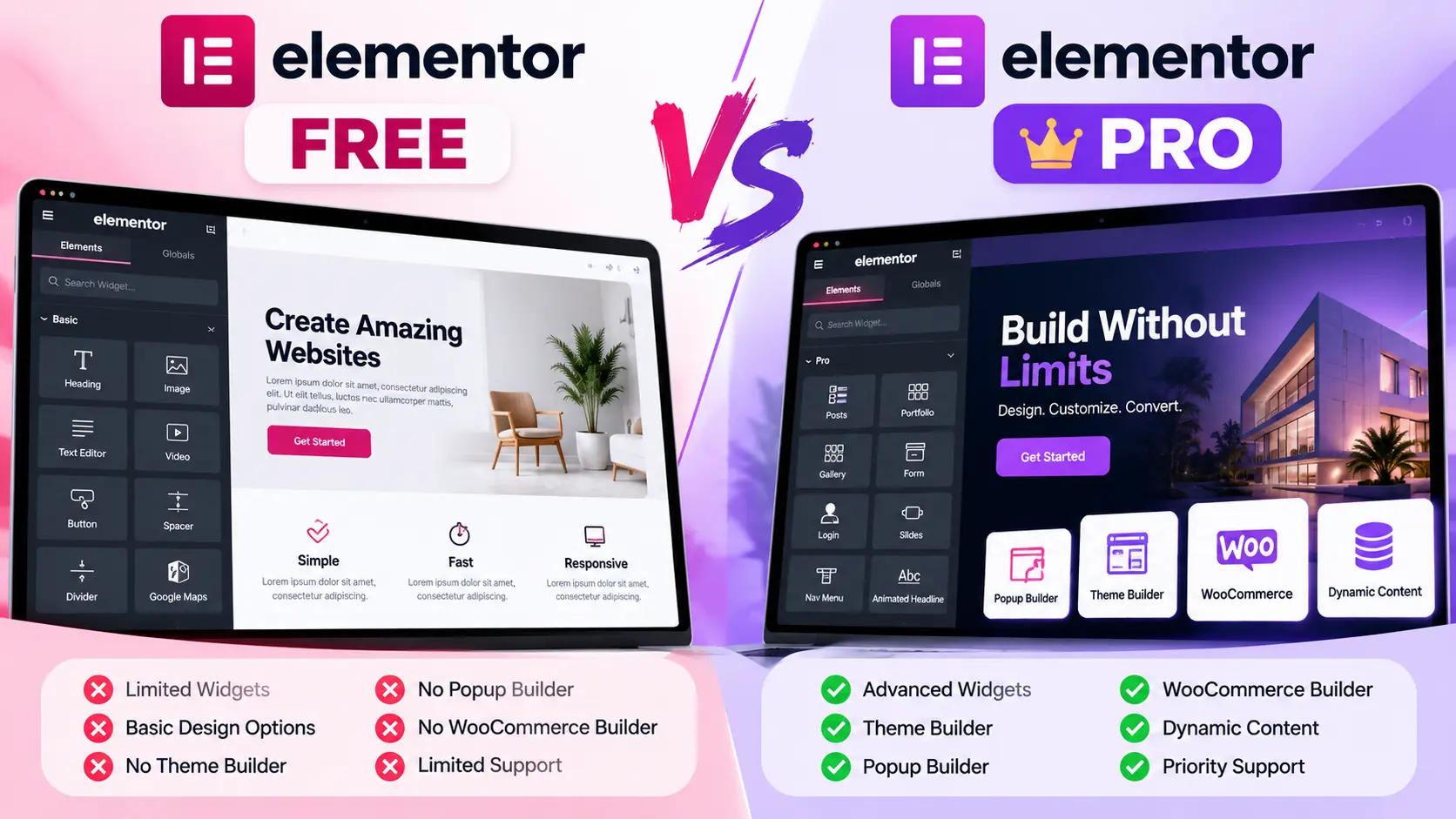
Free vs Pro Elementor is a bigger question than it looks, because Elementor Free is already enough to build a real WordPress website.
You can create pages with the visual editor, add headings, images, buttons, tabs, accordions, and galleries, and make everything responsive, all without paying for Pro. For a simple portfolio, blog, or small business site, that may be all you need.
The difference shows up when you need custom templates, dynamic content, forms, popups, WooCommerce layouts, or custom code.
So the real question isn’t “Can I build a website with Free Elementor?” You can. The better question is: what will I actually miss if I don’t upgrade?
Last checked: October 2026. Elementor changes its plans and features often. Confirm the details on Elementor’s pricing page before you buy.
Table of Contents

Free vs Pro Elementor: The Short Answer
Free gives you the visual page-building tools for straightforward websites. Pro adds features that matter more as a site gets bigger, more dynamic, or more commercial.
| Feature | Elementor Free | Elementor Pro |
|---|---|---|
| Drag-and-drop editor | Yes | Yes |
| Responsive editing | Yes | Yes |
| Core widgets (heading, image, button, tabs, etc.) | Yes | Yes |
| Theme Builder (header, footer, post and archive templates) | No | Yes, all plans |
| Extra Pro widgets (Posts, Portfolio, Reviews, etc.) | No | Yes, all plans |
| Dynamic Tags | No | Yes, all plans |
| Loop Grid | No | Yes, all plans |
| Form widget | No | Yes, all plans |
| Form submissions, custom fields, popups, custom code and CSS, WooCommerce builder | No | Advanced plans and above |
The last row is the important one. Not every Pro feature is included in every Pro plan. The cheapest plan, Essential, leaves several of them out. More on that below.

What You Already Get With Free Elementor
Before looking at what you’re missing, here’s what the free version already does well. Elementor’s free widget list includes:
- Container and Grid layouts
- Heading, Text Editor, Image, Video, and Button
- Icon, Icon Box, Image Box, and Icon List
- Basic Gallery and Image Carousel
- Tabs, Accordion, and Testimonial
- Counter, Progress Bar, and Star Rating
- Google Maps, Social Icons, and HTML
That covers a lot. A five-page local business site (Home, About, Services, Service Area, Contact) is well within reach of the free editor. You can also use responsive editing at no cost.
The Free vs Pro Elementor question is whether the free version gives you the controls this particular site needs.
1. You Miss the Theme Builder
This is probably the biggest difference in Free vs Pro Elementor for most WordPress users.
With Pro, the Theme Builder lets you design the parts of your site that normally come from your WordPress theme: headers, footers, single post templates, archive pages, and WooCommerce product templates.
Example: you have 80 blog posts and want each one to show a featured image, title, author, date, content, related posts, and a call to action. With a single-post template, you build that layout once and it applies to every post. Change the template later and all 80 posts update.
Without Pro, you’d rely on your theme’s built-in layouts for those areas.

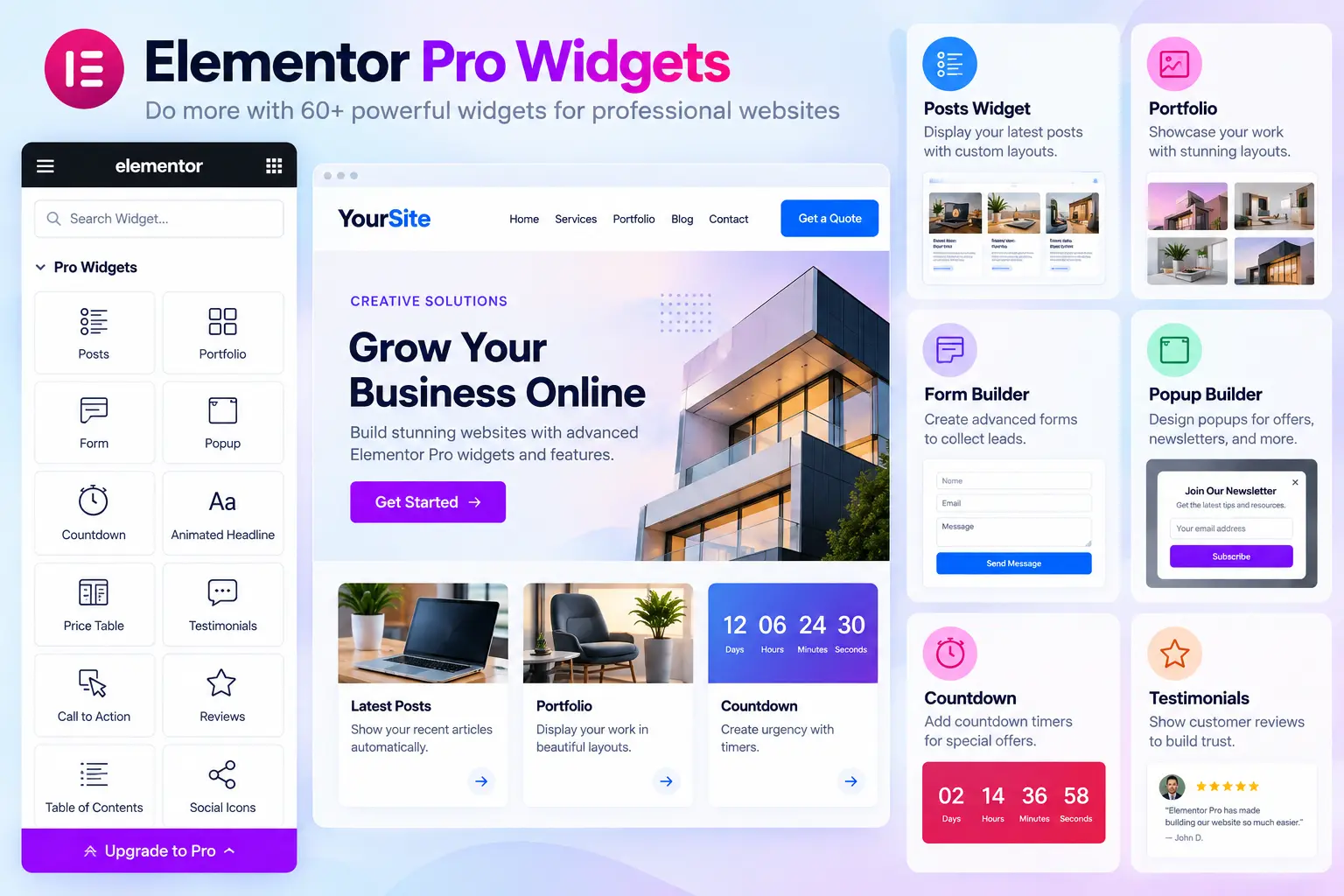
2. You Miss the Pro Widgets
In Free vs Pro Elementor, Pro adds dozens of widgets on top of the free set. Elementor’s pricing page lists 57 Pro widgets on the Essential plan and 85 on Advanced and above.
Examples include Posts, Portfolio, Reviews, Testimonial Carousel, Countdown, Table of Contents, Animated Headline, Call to Action, Price Table, and Flip Box.
These matter because you don’t have to rebuild complex layouts from basic parts. For example, the Posts widget can show your latest articles automatically instead of you building each card by hand.
3. You Miss Dynamic Tags and Custom Fields
Dynamic Tags let a design pull content from WordPress instead of you typing it in. They can fetch things like the post title, URL, excerpt, featured image, and author.
Example: in a blog template, connect the heading to the Post Title tag. Every article then shows its own title using the same layout.
In Free vs Pro Elementor, plan matters here. According to Elementor, the Essential plan includes dynamic content but not custom fields or custom post types. Those come with Advanced Solo and above. If you build sites with ACF or custom post types, Essential won’t be enough.
4. You Miss the Form Widget
The Form widget is a Pro feature. On the free version, you’d need a separate form plugin.
With Pro, you can build forms directly in Elementor and connect them to marketing tools. Elementor’s Form widget covers that part.
But the plan again makes a difference. Essential includes the Form Builder but not form submissions. Storing and managing submissions inside WordPress requires Advanced Solo or above.
A simple contact form (name, email, message) works on any Pro plan. A lead-generation site that wants every enquiry saved in the WordPress dashboard needs a higher plan.
5. You Miss the Popup Builder
Popups aren’t needed on every site, but they’re useful for newsletter signups, lead magnets, announcements, and special offers.
Elementor’s Popup Builder lets you design popups visually and control where and when they appear. It is not included in the Essential plan. You need Advanced Solo or above.
Without it, you’d need another WordPress plugin, which means another interface and another thing to maintain.
6. You Miss Custom CSS and Custom Code
The free editor has plenty of visual controls, but sometimes you need a custom hover effect, a special spacing rule, or a small script.
Pro adds custom CSS and custom code options, but again not on Essential. They’re included from Advanced Solo upward.
Don’t assume the cheapest Pro plan unlocks every developer feature.
7. You Miss the WooCommerce Builder
Free Elementor works alongside WooCommerce, since it’s just a WordPress plugin. What you don’t get is Elementor’s dedicated ecommerce tooling.
Pro’s ecommerce widgets let you design product pages, product archives, cart, checkout, My Account, and purchase summary pages. They also include Stripe and PayPal button widgets for selling without a full store.
These are Advanced plan features, not part of Essential.
WooCommerce provides the shop engine. Elementor Pro gives you control over how it looks. Also remember that Elementor isn’t a payment processor. The payment provider you connect handles the transaction.
8. You Miss Loop Grid
If your site has blog posts, case studies, portfolio items, or products, building every card by hand gets old fast.
Loop Grid lets you design one card template (image, category, title, excerpt, button) and show it for every item that matches your query. Change the card design once, and every card updates.
Loop Grid is included on all Pro plans, including Essential. For a ten-page brochure site you may never need it. For a content-heavy site it saves a lot of time.
9. You Miss Advanced Motion Effects
Basic entrance and hover animations are available for free. Pro adds advanced motion effects, including scrolling effects and mouse effects.
These are polish, not necessities. If your site looks and works well without scroll-driven effects, you aren’t missing anything important.
Elementor Pro Plans: What Changes?
Here’s how the Pro plans compare for Free vs Pro Elementor, based on Elementor’s pricing page as of October 2026.
| Essential | Advanced Solo | Advanced | Expert | |
|---|---|---|---|---|
| Sites | 1 | 1 | 3 | 25 |
| Pro widgets | 57 | 85 | 85 | 85 |
| Theme Builder | Yes | Yes | Yes | Yes |
| Dynamic content | Yes (no custom fields or post types) | Yes, full | Yes, full | Yes, full |
| Form Builder | Yes (no submissions) | Yes, with submissions | Yes, with submissions | Yes, with submissions |
| Popup Builder | No | Yes | Yes | Yes |
| Custom code and CSS | No | Yes | Yes | Yes |
| Ecommerce features | No | Yes | Yes | Yes |
Elementor also sells Elementor One plans, which bundle the editor with extras such as AI credits, image optimization, accessibility tools, email deliverability, and site management. They’re a different product from the Pro plans above, so compare both if you’re buying.
I haven’t included prices because they change with billing cycle and promotions. Check the official pricing page.
Free vs Pro Elementor: Which Websites Need Pro?
| Website type | Free | Pro |
|---|---|---|
| Personal blog | Usually enough | Optional |
| Small portfolio | Usually enough | Optional |
| Simple business site | Often enough | Useful |
| Local service site | Often enough | Useful for forms and templates |
| Content-heavy blog | Possible | Much more useful |
| Lead-generation site | Needs other plugins | Stronger choice (Advanced plans for submissions and popups) |
| WooCommerce store | Limited design control | Needs an Advanced plan |
| Client work or multiple sites | Possible | Usually worth it |
In Free vs Pro Elementor, Pro doesn’t automatically make a site better. It gives you more control. You still need good content, solid structure, fast pages, and a design that makes sense.
You Don’t Need Pro Just to Look Professional
You don’t need Pro because you want a nice homepage, responsive pages, buttons, images, basic animations, or a simple landing page. Free Elementor already covers all of that.
If your theme handles the header and footer well and your site doesn’t need dynamic templates, forms, or popups, upgrading may add a recurring cost without improving the result.
When Pro Starts to Pay for Itself
In Free vs Pro Elementor, the cost isn’t only the subscription. Sometimes the bigger cost is your time.
Imagine updating 40 blog posts one by one, rebuilding the same CTA on 15 pages, or installing separate plugins for forms and popups. The free version can technically do the job, but the workflow gets slower.
Pro makes sense when you need one or more of these:
- A custom header and footer
- Templates for many posts or products
- Forms built inside Elementor
- Popups, custom code, or WooCommerce layouts
- Reusable layouts across client projects
A Simple Five-Question Test
- Do I need a custom header, footer, or post template? If yes, you need Pro (any plan).
- Do I need dynamic content? Any Pro plan covers the basics. For custom fields or custom post types, you need Advanced Solo or above.
- Do I need Elementor forms? Any Pro plan includes the widget. For stored submissions, choose an Advanced plan.
- Do I need popups or custom code and CSS? Choose an Advanced plan or above.
- Am I customizing WooCommerce? Choose an Advanced plan or above.
If you answered no to all five, Free Elementor may be enough.
Frequently Asked Questions
Is Elementor Free enough for a business website?
Yes, for a basic one. The free editor includes responsive editing and the core widgets you need. Whether it’s enough depends on how much control you need over templates, forms, and dynamic content.
Does Free Elementor include forms?
No. The Form widget is a Pro feature. With the free version you’d use a separate form plugin.
Is Elementor Pro worth it?
It depends on your project. For simple sites, probably not. For dynamic templates, forms, popups, WooCommerce layouts, or repeated client work, it can save a lot of time.
Can I build a WooCommerce site with Free Elementor?
You can use WooCommerce and build pages with the free editor, but Elementor’s dedicated ecommerce widgets are part of the Advanced Pro plans.
Does Elementor Free include animations?
Basic entrance and hover animations, yes. Advanced motion effects such as scrolling and mouse effects are Pro.
Does Essential include everything in Pro?
No. Essential excludes form submissions, custom fields and post types, Popup Builder, custom code and CSS, and ecommerce features.
Do I need Pro for every WordPress site?
No. If Free handles everything your project needs, there’s no reason to upgrade.
Final Verdict
In Free vs Pro Elementor, Free Elementor is great for straightforward sites and basic page building.
Elementor Pro is worth considering when you need Theme Builder, dynamic content, forms, popups, custom code, or WooCommerce layouts, and when you do, check which plan includes the feature before you buy.
The best choice isn’t the version with the longest feature list. It’s the one that solves a problem you actually have. If you’re building a simple five-page site, start free. When you hit a real limitation, check whether Pro solves it, and upgrade for that reason.
Related reading: How to set up WooCommerce pre-orders with deposits

